Pucire - Powerpoint Template
Imagine walking into a meeting, knowing your presentation will not only inform but also captivate. The Pucire - Powerpoint Template is your partner for that confidence, offering a polished framework to share ideas with visual impact. This design asset moves beyond basic slides, providing a structured yet flexible canvas for data, graphics, and compelling narratives. It's built for professionals who value both efficiency and aesthetic appeal, ensuring your message resonates clearly and memorably.
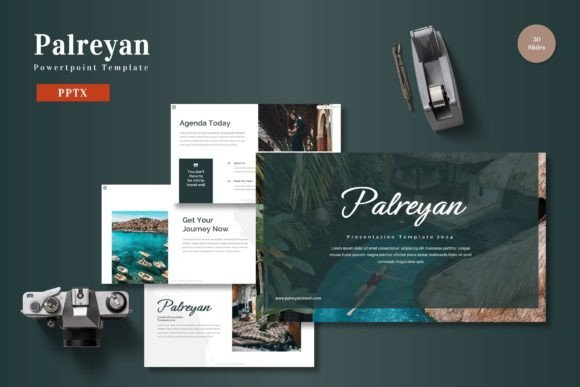
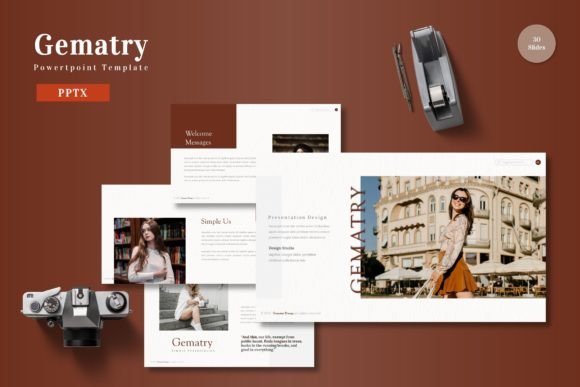
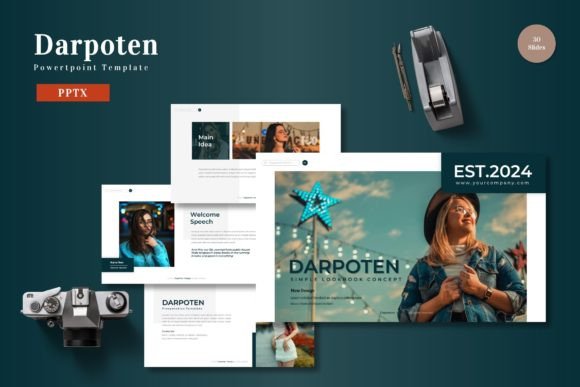
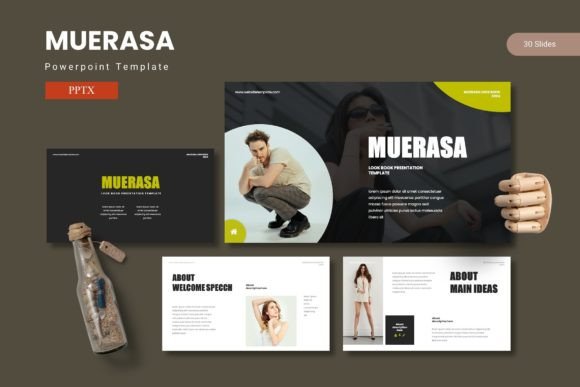
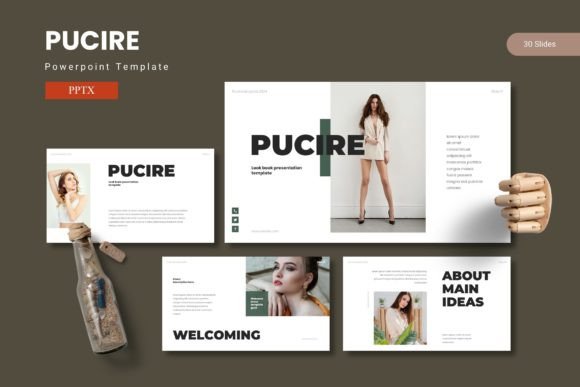
At its core, Pucire is a premium presentation toolkit designed to streamline your workflow while elevating the visual quality of your slides. With over 150 total slides organized across five premade color schemes, it offers substantial variety. Each of the five templates includes 30 meticulously crafted slides, from section breaks to handcrafted infographics. This depth means you can assemble diverse presentations—from quarterly business reviews to creative pitches—without starting from a blank page. The foundation on master slides ensures consistency, while pixel-perfect illustrations and fully resizable graphics give you granular control over every element.
Practical Applications for Modern Professionals
The true value of a versatile design template like Pucire lies in its adaptability across numerous scenarios. Consider these common use cases where its features shine:
- Corporate & Brand Presentations: Build cohesive decks for investor pitches, company overviews, or brand guidelines. The customizable layouts and color variations help maintain visual consistency with your brand identity, reinforcing recognition and professionalism.
- Data-Driven Reports: Transform complex data into digestible stories using the included infographics and clean data visualization slides. The drag-and-drop picture placeholder makes integrating charts and graphs effortless.
- Creative Portfolios & Project Pitches: Showcase design work, photography, or project proposals using the dedicated gallery and portfolio slides. The modern typography and clean aesthetic ensure your work remains the focal point.
- Marketing & Social Media Strategy: Plan campaigns or present social media analytics with clarity. The template's structure helps organize thoughts logically, which is crucial for persuasive marketing decks.
Tips for Choosing and Using Your Template
When selecting a PowerPoint template, think beyond the initial visual appeal. First, assess the readability of the typography across different screen sizes. Pucire's design prioritizes clarity, but always test with your content. Second, match the template's mood to your project's tone; its modern and clean aesthetic suits professional, tech, and creative fields alike. A key advantage is the pre-built font pairing system, which saves you time in selecting complementary typefaces for headings and body text, ensuring typographic harmony.
Before you begin, review the included Readme file for font and photo information. This is a practical step for any commercial font or design asset, as it clarifies licensing and source details for elements used in the final presentation. For larger teams, establishing a consistent color scheme from the five options early on can unify all communications.
Enhancing Professional Presentation and Brand Recognition
The right presentation template does more than organize information; it enhances your professional image. Consistent use of a well-designed system like Pucire contributes to stronger brand recognition, as audiences begin to associate the polished visual language with your content. This consistency is a cornerstone of effective editorial design and visual communication. It demonstrates attention to detail and a commitment to quality, which can significantly influence how your ideas are received.
Ultimately, a resource like the Pucire - Powerpoint Template is an investment in your communicative toolkit. It provides the structural foundation and design assets needed to create presentations that look thoughtfully designed and professionally executed. By handling the visual framework, it allows you to focus your energy on the content itself—refining your message, crafting your story, and preparing to deliver it with the confidence that your slides will visually support every point you make.