Retusagi - Keynote Template
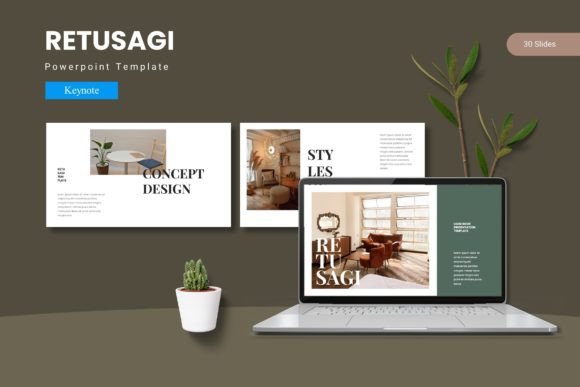
Imagine transforming your next presentation from a simple slideshow into a cohesive, visually engaging experience that captivates your audience from the first slide. That’s the promise of the Retusagi - Keynote Template, a design asset built to help you deliver your message with clarity and impact.
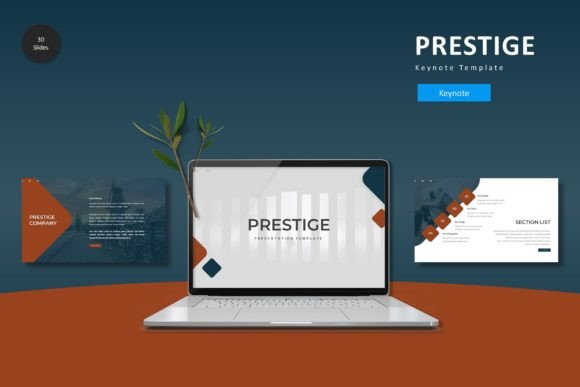
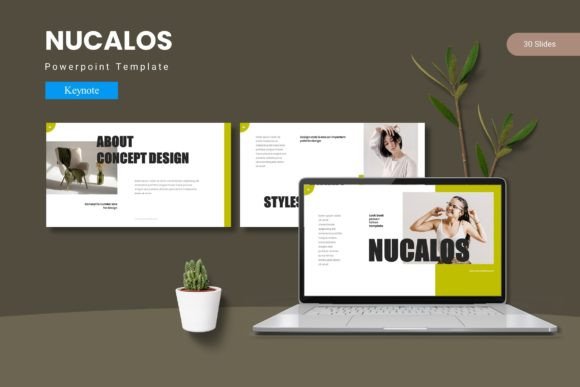
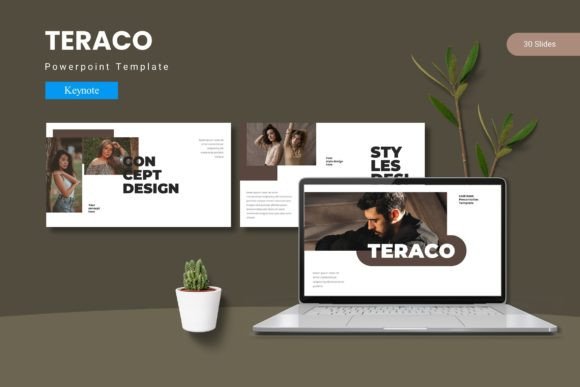
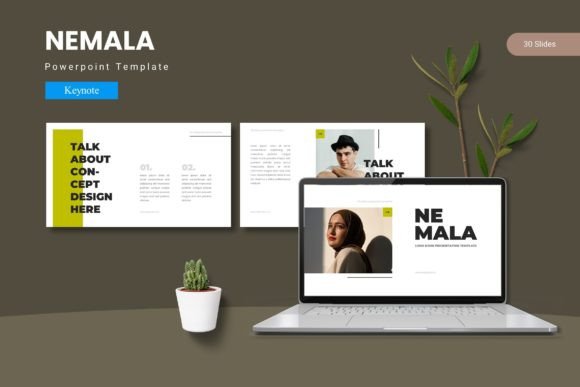
This isn't just another set of slides. The Retusagi template is a comprehensive toolkit designed for professionals who value polished, consistent design. With over 150 total slides spread across five premade color schemes, it provides a robust foundation for any topic. Each of the five templates includes 30 meticulously crafted slides, complete with section break slides to organize your content logically. The design is based on master slides, ensuring every element remains consistent and easy to update.
Designed for Flexibility and Impact
What truly sets this Keynote design template apart is its blend of aesthetic appeal and practical flexibility. You can customize layouts, fonts, and colors effortlessly to match your brand identity or the specific mood of your project. The pixel-perfect, handcrafted infographics and illustrations are all resizable and editable, allowing you to tailor every detail. The inclusion of drag-and-drop picture placeholders and dedicated gallery or portfolio slides makes building your presentation intuitive, saving you valuable time.
For designers and creators, the right presentation template is a critical piece of the puzzle. It ensures visual consistency, reinforces brand recognition, and elevates your professional presentation. Consider using a resource like Retusagi for:
- Client Pitches and Proposals: Make a lasting impression with a sleek, modern layout that showcases your work and ideas professionally.
- Product Launches and Marketing Decks: Communicate features, benefits, and strategy with clear infographics and engaging visuals.
- Portfolio Presentations: Use the gallery slides to display your design work, photography, or projects in a clean, curated format.
- Internal Reports and Strategy Meetings: Transform dense data into understandable, visually appealing slides that keep stakeholders engaged.
Practical Tips for Choosing a Presentation Template
When selecting any design asset, including a Keynote template, it’s wise to think beyond the immediate project. A good template should be versatile enough to grow with your needs. Always check the readability of the default fonts and text sizes, especially if you plan to present in large rooms. Ensure the overall aesthetic matches the tone of your content—whether it's corporate, creative, or educational.
Test how easily you can integrate your own brand colors and fonts. The Retusagi template includes five color variations, offering a great starting point, but true customization is key. Review the included features, like the variety of slide types (infographic, portfolio, section breaks), to confirm they align with how you structure information. Finally, always verify the licensing to ensure it fits your intended use, whether for personal, commercial, or client work.
Choosing a well-designed template like Retusagi is an investment in your communication. It provides the visual scaffolding that allows your content to shine, helping you build credibility and connect with your audience more effectively. The right design asset doesn't just decorate your ideas; it amplifies them.