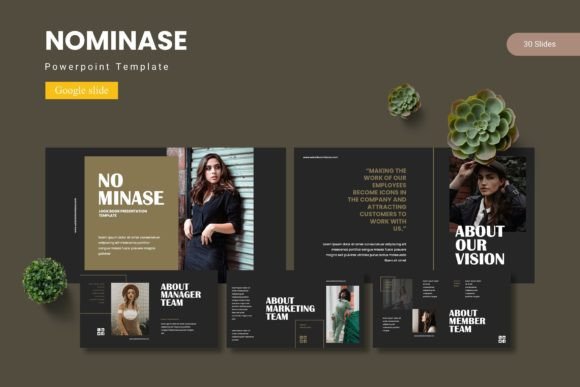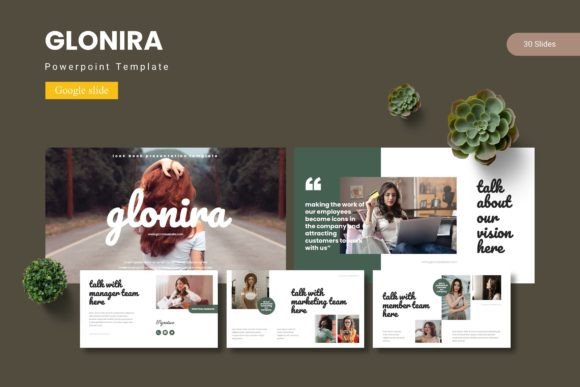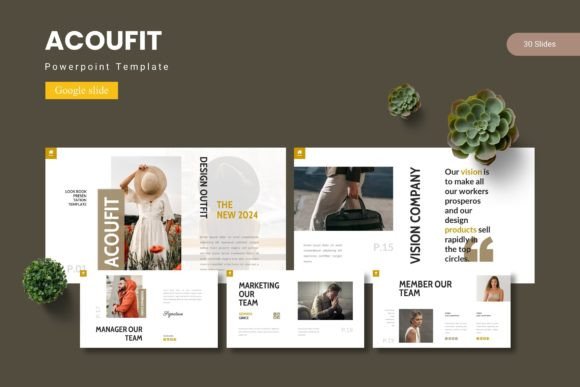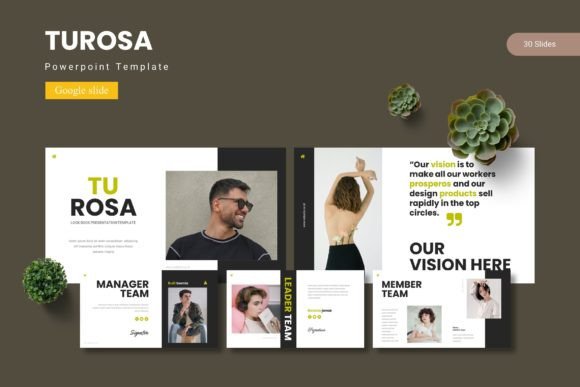
Belome - Google Slide Template
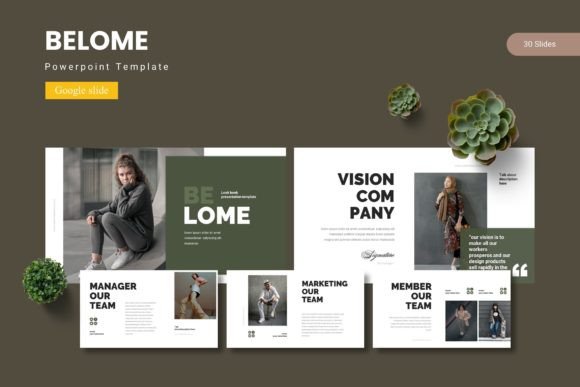
Creating a presentation that captures attention and communicates your ideas clearly is a common challenge for professionals and creatives alike. The right template can transform a mundane slideshow into a compelling visual story. The Belome - Google Slide Template is a comprehensive design asset built to do exactly that, offering a polished foundation for your next big pitch, report, or creative project.
This template is more than just a set of slides; it's a versatile toolkit designed for modern visual communication. It provides a structured yet flexible canvas where you can arrange content, imagery, and data in a way that feels both professional and engaging. Whether you're a startup founder, a marketing professional, or an educator, having a reliable presentation template saves valuable time and ensures your final product looks consistently sharp.
Key Features for Creative Flexibility
What makes this Google Slide template stand out is its thoughtful collection of features aimed at creative control and efficiency. The package includes over 150 total slides, meticulously organized across five premade color schemes. Each color variation offers 30 uniquely designed slides, giving you ample room to structure your narrative without repetition.
- Handcrafted Infographics: Transform complex data into clear, visually appealing graphics that your audience can understand at a glance.
- Pixel-Perfect Illustrations: Every visual element is designed with clarity in mind, ensuring your presentation looks crisp on any screen.
- Drag-and-Drop Picture Placeholders: Integrating your own photos and graphics is incredibly simple, allowing for quick customization.
- Master Slide Foundation: Built on master slides for easy global edits, ensuring consistency across every page.
Practical Uses and Project Ideas
The versatility of the Belome template makes it suitable for a wide range of applications. It’s an excellent choice for creating impactful brand identity presentations, where you need to showcase logos, color palettes, and brand guidelines with sophistication. Marketing teams can use it to develop campaign strategies, social media content calendars, or quarterly business reviews that tell a clear story.
Educators and trainers will find the section break slides and clean layouts perfect for structuring course materials or workshop decks. For creative professionals, it serves as a dynamic portfolio slide or a gallery to display design work, photography, or product concepts. The template's modern typography and clean design act as a neutral yet professional backdrop, allowing your own content—whether it's editorial design layouts or packaging design mockups—to take center stage.
Tips for Choosing and Using a Template
When selecting any design asset, including a presentation template, consider a few key points to ensure it fits your needs:
- Match the Mood: Does the template's aesthetic align with your project's tone? The clean, modern feel of this template suits corporate, educational, and creative contexts.
- Check Readability: Ensure the built-in font choices and color contrasts are legible, especially for text-heavy slides.
- Test Font Pairings: While the template comes with suggested fonts, you can often pair its sans serif or serif elements with complementary display fonts or script fonts from your own library for headlines.
- Review the License: Always confirm the usage rights, especially if the presentation is for commercial client work or a public-facing web design project.
A well-designed template like this one does more than just look good; it enhances visual consistency and strengthens brand recognition. It provides a professional framework that makes your content easier to digest and more memorable. By starting with a solid design foundation, you can focus your energy on crafting your message, confident that the visual presentation will support it effectively. Choosing a thoughtfully constructed Google Slide template is an investment in clearer communication and a more polished professional image.